In today’s DevSecOps, teams always face friction between development speed and security, often stemming from the persistent issue of alert fatigue. As teams stack more scanners in the development environment, it becomes difficult for developers to respond to all the alerts. Dashboards get filled up. Security ticket stacks. Developers often get buried under heaps of low-priority or false positive alerts, causing vital threats to go unnoticed for hours, sometimes days.
AppSec alert automation serves as the answer that eliminates the friction between application security and agile development. Enterprises require AI-powered tools that will help in achieving alert automation through Slack to minimize the gap between detection and response.
This is where QINA Pulse with Slack integration comes in. The security co-pilot helps in achieving true automation by transforming security alerts from bottlenecks into actionable intelligence. This guide will explore how enterprises can utilize QINA Pulse for AppSec alert automation and why it matters.
Why is Traditional Security Alerting No Longer Efficient?
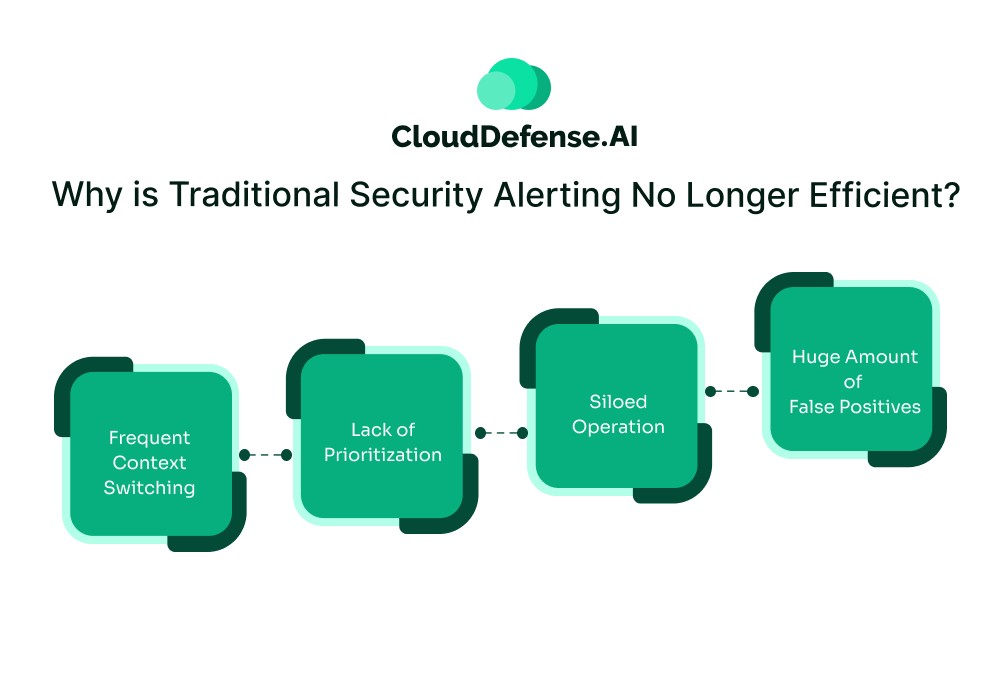
Traditional security alerting has been the backbone of conventional AppSec workflow. However, the alerts are usually offered in different formats or provided in an isolated ticketing system.
This creates severe inefficiencies like:
- Frequent Context Switching: Most traditional ticketing systems and security tools work in silos. To investigate all the security alerts, developers have to frequently leave their dashboard and switch to another one. It causes a delay in the incident response and also prevents developers from investing time.
- Lack of Prioritization: A lot of security scanners lack prioritization capability, and they send alerts as they are generated. Even though many modern AppSec tools create prioritized security alerts, they are mostly generated based on a standard CVE score. They lack the contextual prioritisation that every developer needs to avoid missing out on high-criticality threats due to low-priority alerts.
- Siloed Operation: In many cases, security and development teams still work in siloes and remain misaligned due to security dependency. Since a lot of triaging work is done by the development team, they develop resentment and start considering security teams as adversaries.
- Huge Amount of False Positives: Most security scanners work with predefined rules, and they don’t have contextual analysis capability. As a result, the slightest deviation from standard behavior causes the scanners to flag a code. Teams have to spend hours triaging those security alerts, only to find out they are false positives.
To overcome these issues, enterprises require AppSec alert automation- filtering out all the noise and delivering actionable alerts directly to developers through Slack.
Considering Slack for AppSec Alert Automation: Reasons
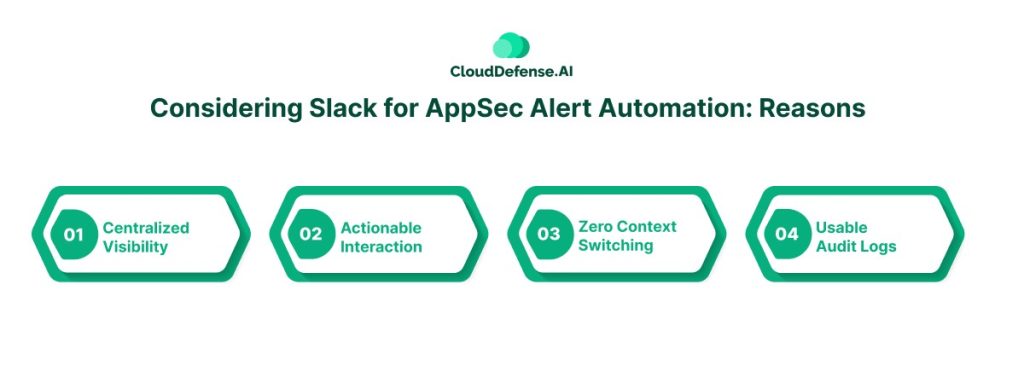
When it comes to considering AppSec alert automation, Slack serves as a plausible choice for modern enterprises. It serves as a centralized platform where engineering teams not only conduct standups and discuss pull requests but also coordinate to respond to threats.
Routing security alerts into AppSec not only streamlines the automation but also benefits the enterprises in many ways:
- Centralized Visibility: Security and development always operated separately, and most of their communication was done through tickets. Slack bridges this gap by providing a centralized channel that provides shared visibility into all tickets. Both teams can communicate on the alert at the same time, ensuring a real-time coordinated effort.
- Actionable Interaction: Slack is designed to integrate seamlessly with different security tools and workflow automation. This allows teams to acknowledge, assign, and work on the threats collaboratively. The chatops allows the team to review changes and work on fixes on a specific channel.
- Zero Context Switching: With traditional AppSec tools, developers have to leave their development workflow and switch to a security dashboard. The context switching might seem imperative, but it causes the developers to lose focus and minimize their development productivity. When an alert is routed through Slack, it enables developers to assess the alert without having to leave the IDE.
- Usable Audit Logs: Another major reason Slack serves as a unanimous choice for AppSec alert automation is its searchable audit logs. Slack channels store all the records of threats along with their historical timeline and main analysis. It is highly useful during auditing, where auditors can see a clear timeline and reports of all the resolved threats.
Slack streamlines security alert automation and helps alert teams in real time. However, simply routing security findings from scanners into Slack channels won’t be sufficient. It will only shift the security noise from the dashboard to a dedicated team channel. Enterprise requires intelligent tools like QINA Pulse that will ensure true AppSec alert automation.
QINA Pulse with Slack: Transforming Security Alert Automation
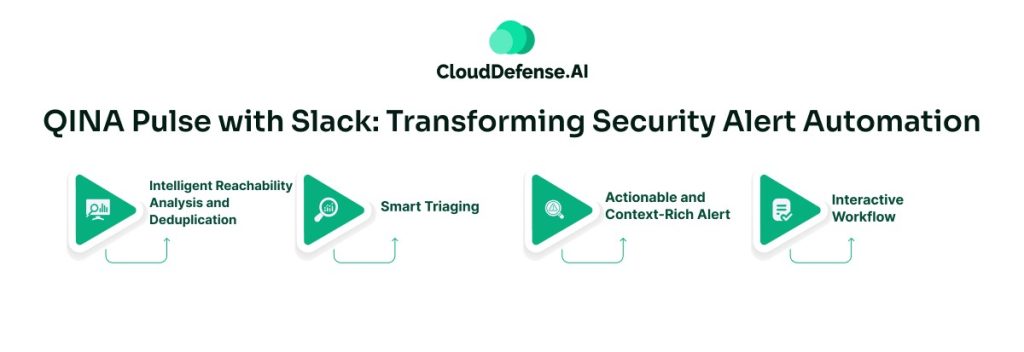
QINA Pulse is a next-generation context-aware security co-pilot built to streamline application security through intelligent automation. It serves as a security assistant that not only integrates with security scanners but also with mediums like Slack to establish smart alert automation.
Instead of routing uncategorized and raw security alerts through Slack, Pulse utilizes advanced AI and ML to deliver contextual alerts. It understands the context of each security finding, performs intelligent triage, and delivers a prioritized alert through Slack. By serving as a filtration layer between security scanners and Slack channels, it enables teams to get actionable security alerts.
When an enterprise integrates Pulse with Slack for AppSec alert automation, it completely transforms the workflow by offering:
Intelligent Reachability Analysis and Deduplication
Pulse performs a deep reachability analysis where it understands whether a flawed code is exploitable or not. It performs an assessment on whether flawed code can be triggered through a function after deployment.
For accurate QINA Pulse notification, the security co-pilot also performs deduplication to eliminate identical findings from security scanners. It helps the tool to consolidate similar findings into a single Slack alert.
Smart Triaging
Before an alert is routed through Slack, Pulse takes all the findings through a smart triaging process. It analyses to find dead code, gathers context of each security finding, and utilizes ML to understand how each vulnerability can impact the application security posture.
The deep contextual analysis helps the tool to eliminate all false positives and only route a prioritized security alert report through Slack. The smart triaging analyzes all the findings based on business context, application architecture, security policies, and many other aspects. This helps in the appropriate prioritizing of alerts.
Actionable and Context-Rich Alert
QINA Pulse with Slack doesn’t just dump a standard security alert report to developers; it delivers a context-rich report in the IDE. Developers get a detailed alert with contextual remediation guidance.
The report not only highlights the vulnerability location but also provides code snippets and step-by-step guidance to fix the threat. All the reports are immediately offered to the team without requiring them to leave their workflow.
Interactive Workflow
When Slack is integrated with Pulse, it creates an interactive workflow for the alerts in real time. While Pulse helps developers to automate the remediation process, Slack will enable the teams to accept or reject the remediation.
The instant visibility allows both developers and security professionals to assess the fix before they have been accepted. It also allows developers to create tickets with one click without leaving their workflow.
The Business Impact of AppSec Alert Automation with QINA Pulse
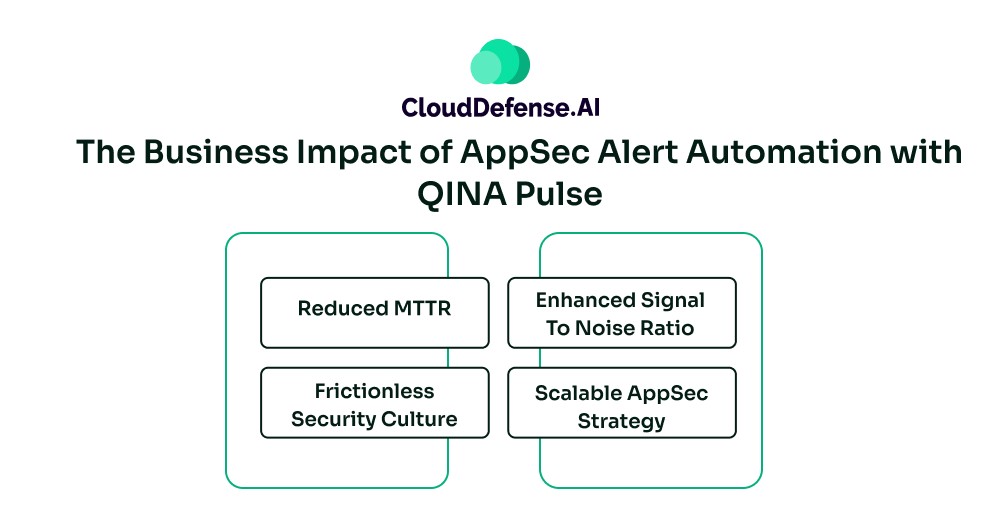
When businesses integrate QINA Pulse with Slack for security alert automation, it benefits the CISOs and developers in many ways:
- Reduced MTTR: The integration enables intelligent security alerts to be routed to developers in real-time with detailed remediation guidance. Moreover, it allows instant visibility and one-click ticket creation, which minimizes the time to remediation from weeks to hours and even minutes.
- Enhanced Signal To Noise Ratio: The contextual analysis using AI and ML enables Pulse to identify actual threats that can make an impact on the application. It also enables the security assistant to eliminate all the false positives, improving the overall signal-to-noise ratio.
- Frictionless Security Culture: With negligible false positives and contextual security alerts with remediation suggestions in the IDE, all the alert fatigue vanishes. Developers no longer show resentment toward the security alerts, ensuring no vulnerability is overlooked. The centralized dashboard allows both developers and security professionals to collaborate and work on all security vulnerabilities without leaving their workflow.
- Scalable AppSec Strategy: The integration of Pulse with Slack ensures complete AppSec alert automation, which allows the security strategy to scale linearly. As the enterprise grows and deployment frequencies increase, the AppSec posture remains consistent without causing any bottleneck.
Integration of QINA Pulse with Slack: Complete Guide
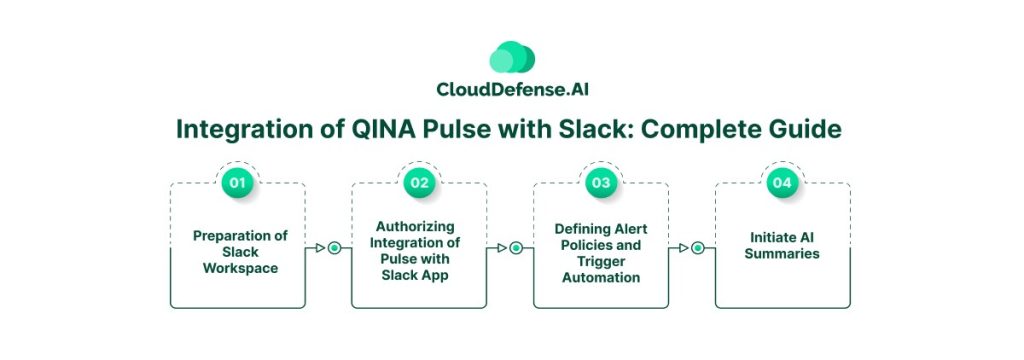
Implementing AppSec alert automation by integrating QINA Pulse with Slack requires a strategic approach. Here is an overview of the integration process:
- Preparation of Slack Workspace: At first, enterprises need to prepare their Slack workspace. Security teams need to create a dedicated Slack channel and request all the administrative permissions required for integration.
- Authorizing Integration of Pulse with Slack App: Pulse is designed to integrate natively with Slack through one-click integration. From the integration section, select Slack for authorizing integration with security assistants. Map different channels for different types of security alert automation and select them during integration.
- Defining Alert Policies and Trigger Automation: CISOs must define alert policies with Pulse, where it will define policies to trigger Slack alerts when certain criteria are met. Slack alerts can be initiated when Pulse categorises a vulnerability as “critical” or “high impact”. CISOs can also define the applications or repositories that will cause Pulse to trigger alerts for specific channels.
- Initiate AI Summaries: Before concluding the integration process, teams must activate the AI or contextual summary of Pulse. It will ensure that Slack alerts will carry a detailed summary of the threat along with remediation guidance in plain English.
Bottom Line
Integrating QINA Pulse with Slack is no longer just a technical advancement- it has become a necessary configuration to achieve AppSec alert automation. It transforms Slack’s operational workflow into a key medium for application security workflow.
Through the integration, enterprises can reduce the burden of security alerts and enable developers to accelerate deployment velocity without compromising security. The integration is simple. But the impact is high and effective. In the era where velocity is a competitive edge, enterprises that implement complete security alert automation are the ones who will stay ahead of the threat curve.